Table of contents
Booth design fundamentals
An effective exhibition booth rests on three pillars: visibility, message, and visitor experience. Before thinking about materials and colors, clearly define the objective of your presence at the show.
What is the main message you want to convey? What action do you expect from visitors? These questions guide all the design decisions that follow.
Step 1: define the structure
Your booth structure depends on the rented space size and configuration (island, corner, inline). Each configuration has its advantages:
- Island booth: visible from all 4 sides, ideal for large spaces. Plan a central focal point like a totem or suspended screen
- Corner booth: two open facades, good visibility/cost compromise. Focus signage on both visible facades
- Inline booth: single facade, the most common. Maximize height to compensate for shallow depth and attract attention from the aisle
Step 2: work on the 3D render
Use your preferred modeling software (SketchUp, Blender, 3ds Max, or other) to create a quality render. For the best results with AI visualization, follow these best practices:
Export your render in high resolution (minimum 1920px wide) in JPG or PNG format. Use a neutral or transparent background to facilitate integration. Make sure the booth is well-framed, without parasitic elements at the edges.
Step 3: visualize in context with AI
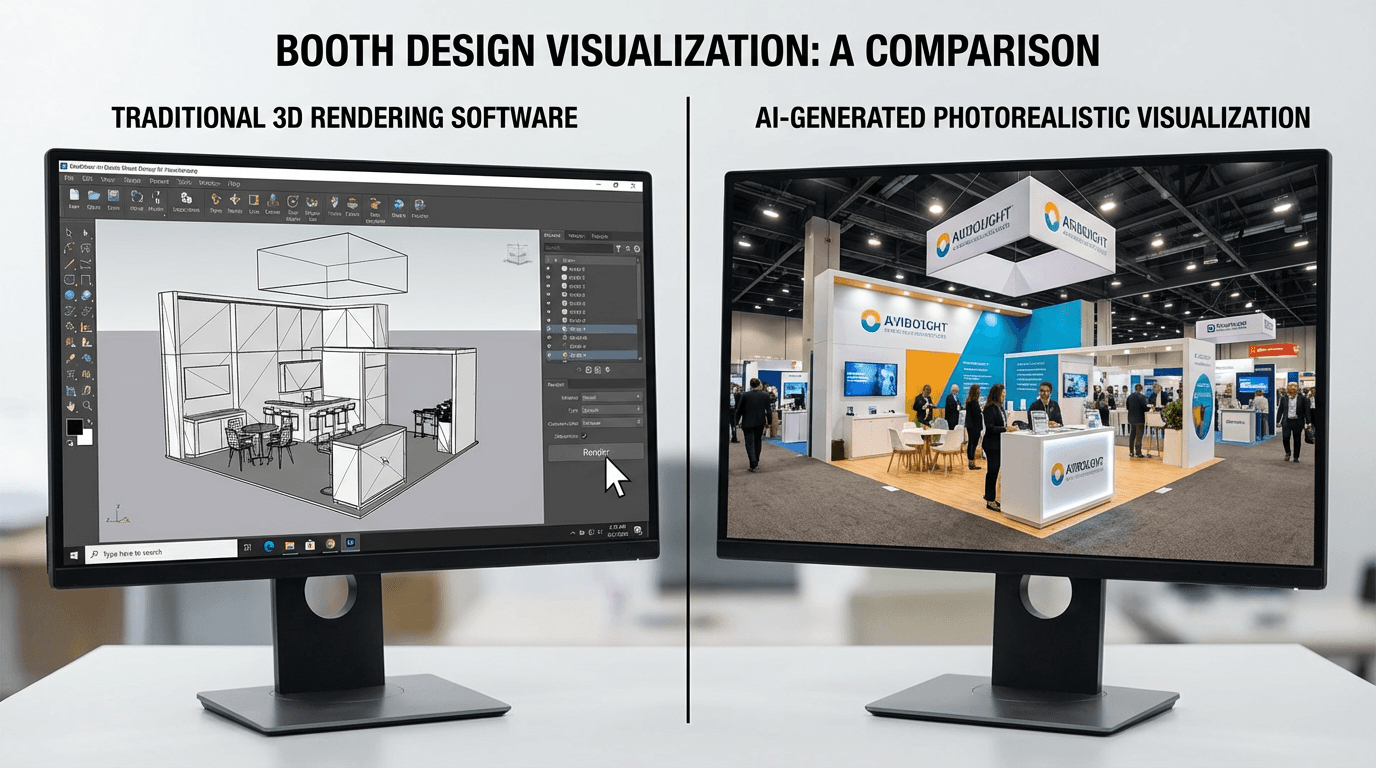
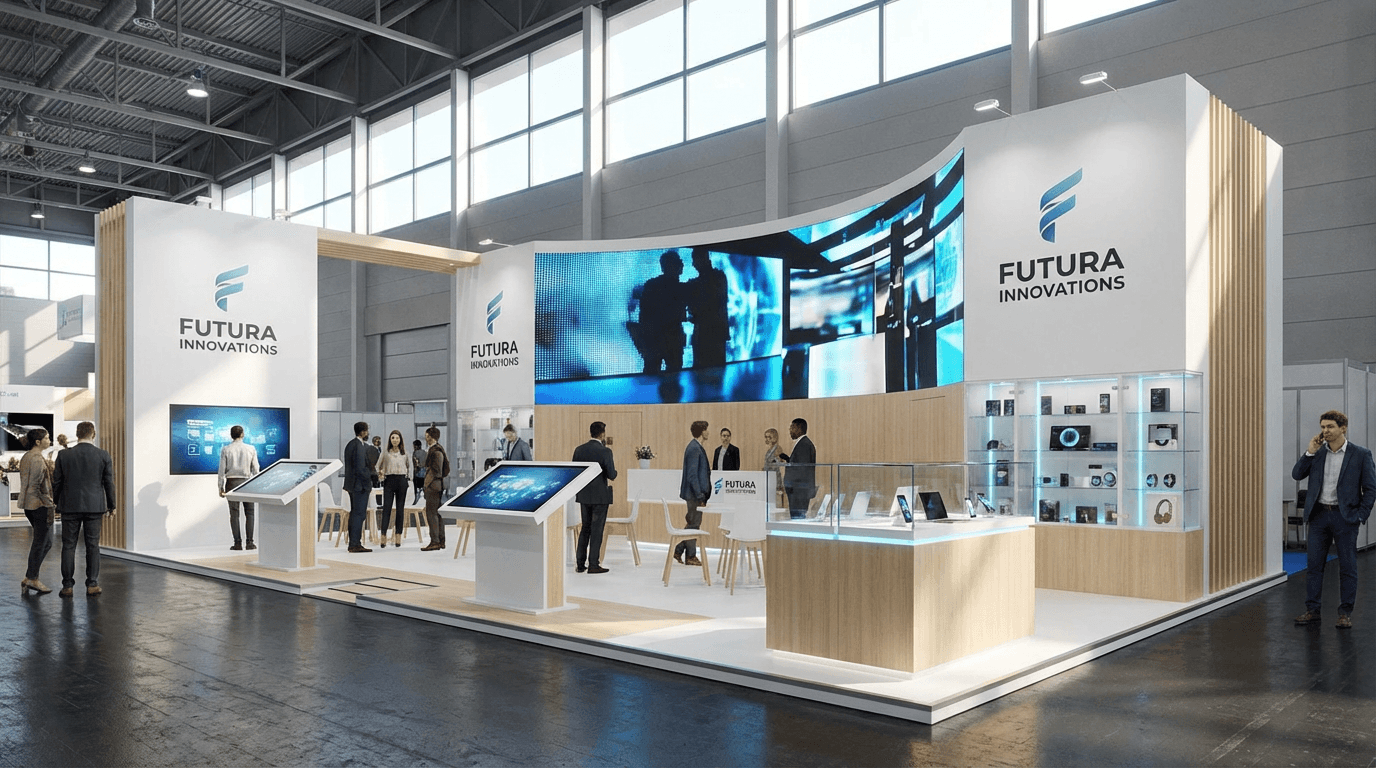
This is the decisive step. Upload your render into our tool and select the matching event type. The AI integrates your booth into a realistic exhibition atmosphere.
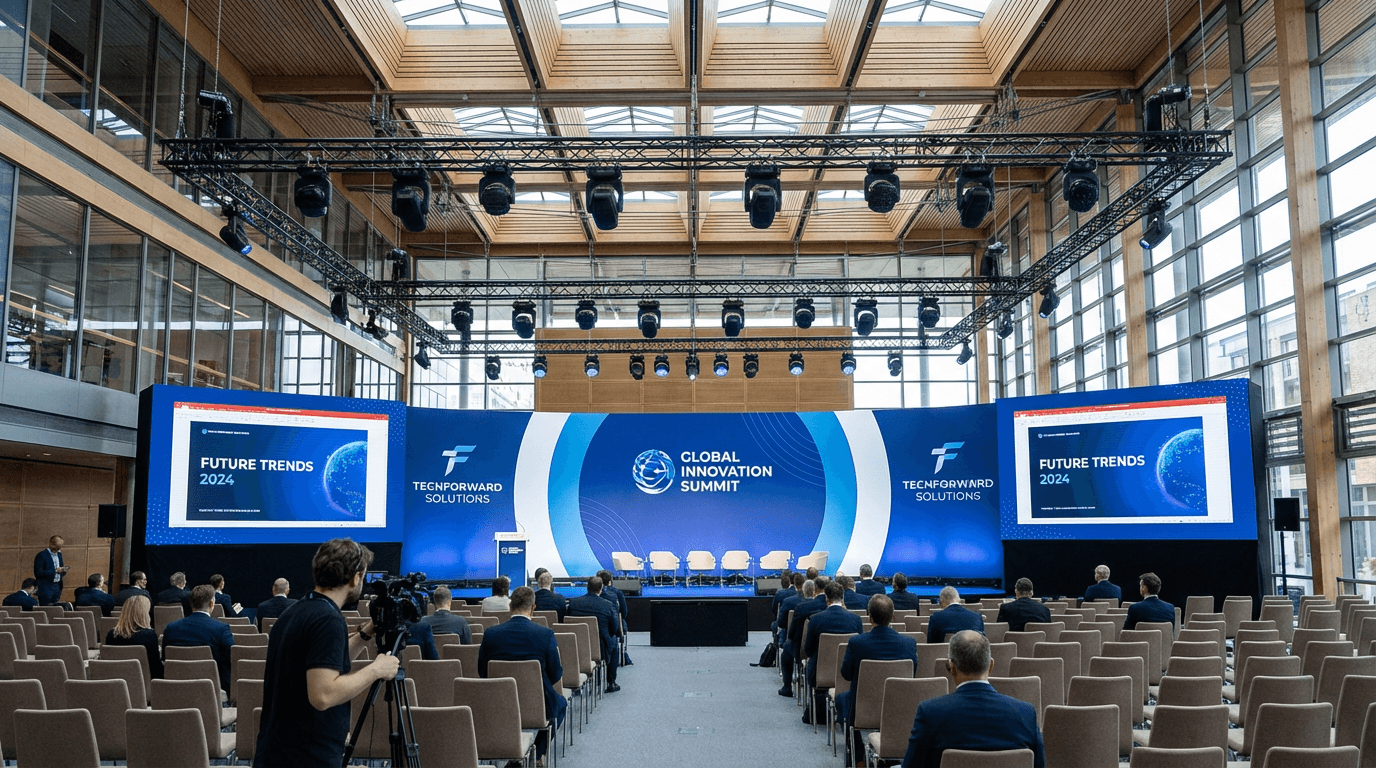
Generate multiple variants by adjusting parameters: try different venue types (modern hall, convention center, outdoor space) and different lighting. Compare results to identify the most impactful configuration.
Step 4: iterate and refine
AI visualization is not a final step but an iteration tool. Use the results to identify areas for improvement in your design:
- Is the logo readable from a distance in the show context?
- Do the booth colors stand out against typical exhibition hall lighting?
- Is the booth height sufficient to be visible from the main aisles?
Modify your 3D render accordingly and regenerate the visualization. This rapid cycle lets you optimize your booth well before the manufacturing phase.
Presenting to the client
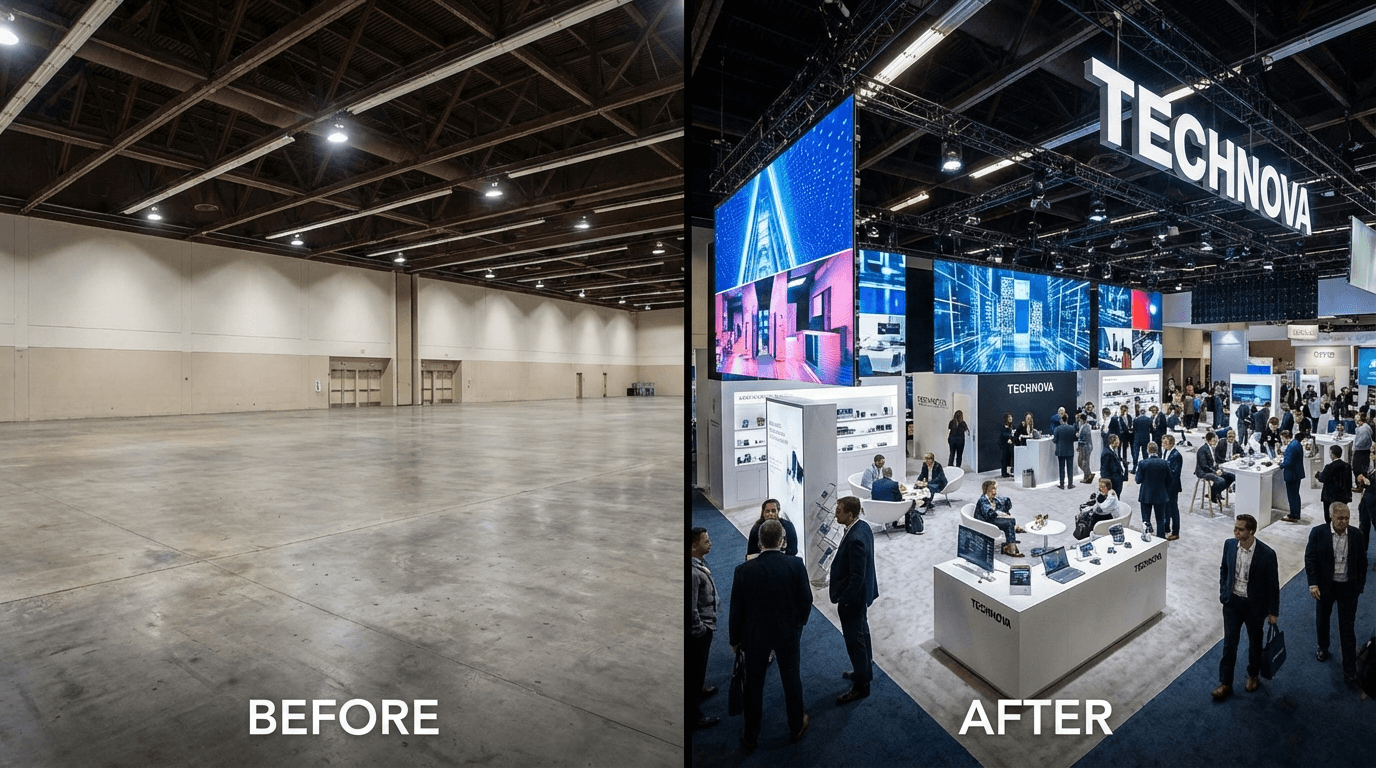
Compile your best visualizations into a presentation. Show multiple angles and atmospheres for a complete vision. Clients especially appreciate the comparison between the isolated render and the contextualized view, which demonstrates the added value of your design work.